Cable Management Station
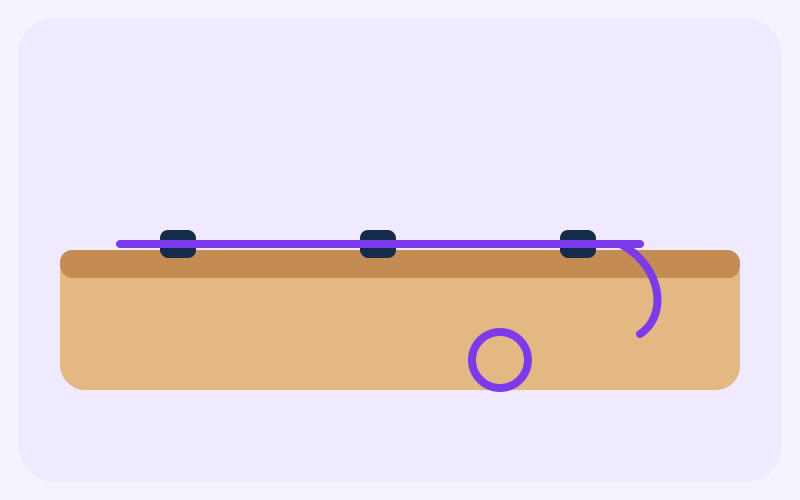
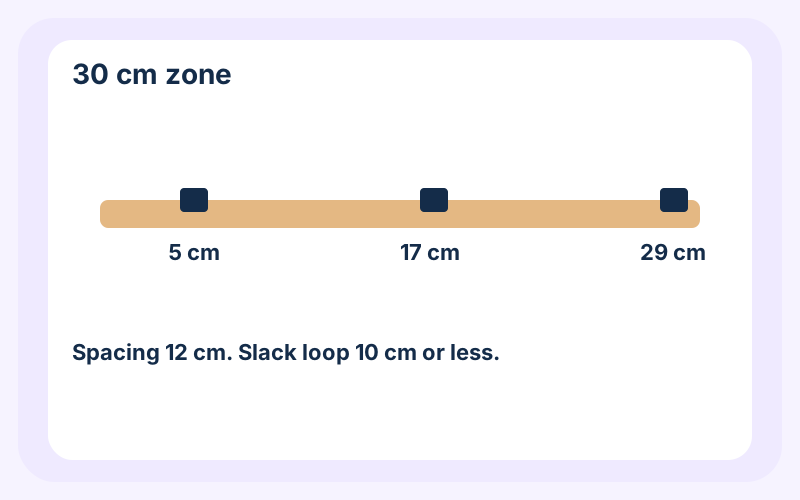
A short run of clips and one adhesive mount keeps a charger lead and a mouse cable at the back of the desk. The worked example is a 30 cm zone with clips at 5, 17, 29 cm. It is for loose, light leads. A power brick stays on the desk, not hanging from the mount.
- Difficulty
- Beginner
- Time
- 20–30 min
- Budget
- $4–$12 USD (15–44 AED)
Estimate; varies by location. The dirham figure uses the UAE peg of 3.6725 per US dollar, rounded to the nearest dirham. It is not a shop quote.
Materials
Ticks stay in this browser only.
Qty: 3
Purpose: Hold the run at 5, 17, 29 cm
Qty: 1
Purpose: The drop under the desk, for a lead, not a brick
Qty: 2
Purpose: One at the mount, one for the slack loop
| Done | Item | Qty | Purpose |
|---|---|---|---|
| 3 | Hold the run at 5, 17, 29 cm | ||
| 1 | The drop under the desk, for a lead, not a brick | ||
| 2 | One at the mount, one for the slack loop |
Tools
- Ruler and pencil
- Dry cloth
- Scissors, to trim the tie tail
Steps
Steps 1: Mark a 30 cm zone
Choose a 30 cm stretch of the back edge, away from where your wrists rest. Mark the start and the end in pencil. Two or three light leads is the aim. If a power brick is heavier than its lead, the brick stays on the desktop and only the thin lead enters the run.
Steps 2: Mark the three clip positions
The first clip is 5 cm in from the left mark. The next clips are 12 cm apart, at 5, 17, 29 cm. That leaves 1 cm before the right mark. If your zone is shorter, keep the 12 cm spacing and use fewer clips. Do not crowd them.
Steps 3: Clean the desk, then stick the clips
Wipe the desktop with a dry cloth. Peel one clip and press it on the first mark for the time the adhesive's own pack asks. Do the same at 17 cm and 29 cm. The clip mouth faces the back of the desk. Do not stick a clip on a seam. The adhesive needs a flat face.
Steps 4: Lay the leads in
Run each lead from the device toward the back edge. Leave a gentle curve. A lead pulled tight will pop a clip or stress the plug. Share a clip only if it closes without force. If it does not close, use the next clip or leave that lead out of the run.
Steps 5: Add the underside mount
If a lead has to drop to a port, stick the mount on the underside, directly below the last clip, not out where a knee hits it. Thread a cable tie, loop the lead, and close the tie until it holds. Leave it loose enough that the lead still slides when you unplug. Cut the tail short.
Steps 6: Bundle the slack into a short loop
Gather extra lead into a loop no longer than 10 cm, tie it once, and lay it along the back edge. A longer coil hangs down and catches. Do not wrap the tie around a brick, a lamp base, or a drawer pull.
Steps 7: Unplug once, on purpose
Unplug and replug each lead. The clips should stay down, and the lead should come free without ripping the mount off. If a clip lifts, the surface was dusty or the clip is on a curve. Move it to a flat spot. Pull a failed mount off slowly. Do not scrape the desk with a knife.
Final result
Three clips at 5, 17, 29 cm along a 30 cm zone, one underside mount for the drop, and slack in a loop of 10 cm or less. Light leads stay at the back edge. A power brick, if you have one, is still on the desktop.
Safety
- Unplug the leads before you move them. Do not cut, pierce, or tape over a damaged cable.
- These clips are not a repair for a frayed lead. Replace a damaged lead instead of hiding it.
- Trim cable-tie tails. The cut end is sharp.
- Do not run a lead where a chair wheel will crush it.
- Nothing here rates the adhesive for a weight. If a mount falls, keep the brick on the desk.
Tips and common mistakes
- Mark all three positions before you peel anything. A clip in the wrong place is the slow part.
- Common mistake: hanging a power brick from the mount. The mount is for a lead.
- Common mistake: a long coil of spare cable. Keep the loop to 10 cm so it stays on the desk edge.
- If the desk is textured or oiled, adhesive clips may not hold. Do not pile on glue you cannot remove.
- Leave the plug reachable. A tidy run you cannot unplug is not finished.
Related projects
Home & Organization
DIY Desk Organizer
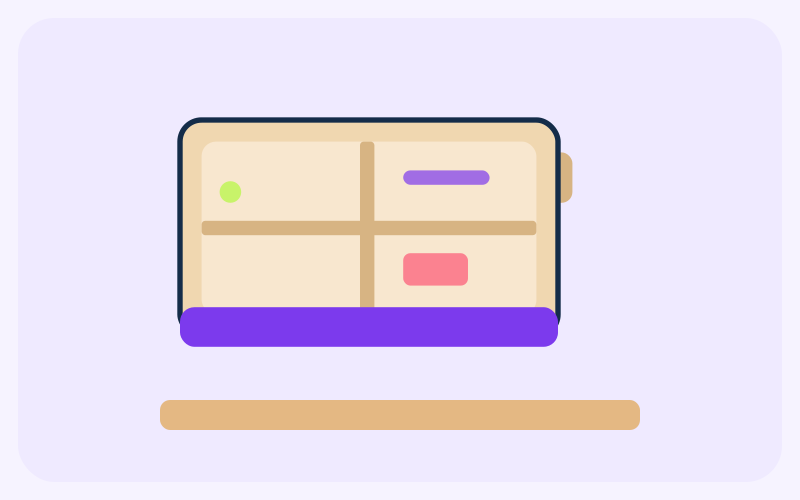
A 20 × 12 × 10 cm cardboard tray with four compartments for pens, clips, and notes.
- Beginner
- 30–45 min
- $2–$6 USD (7–22 AED)
DIY Ambient Room Lighting
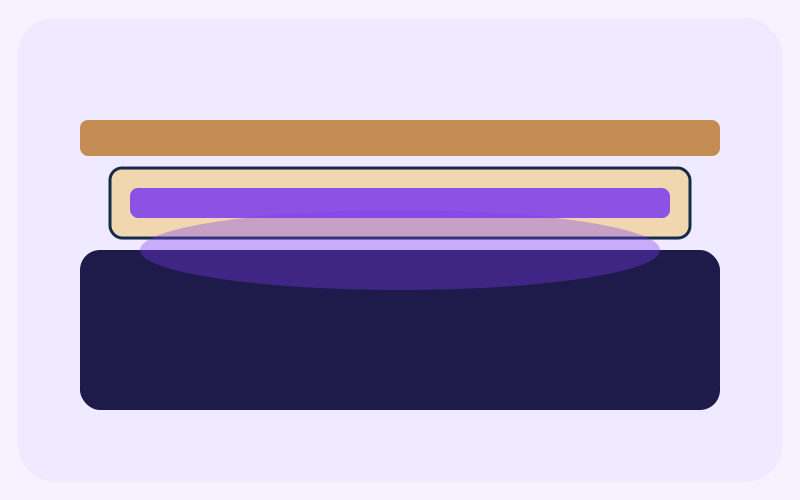
A USB LED strip in a cardboard channel, with tracing paper as a diffuser, for a shelf or headboard.
- Beginner
- 30–60 min
- $8–$18 USD (29–66 AED)
Self-Watering Plant Pot
A rinsed drink bottle, turned into a planter with a cotton wick and a visible water reservoir.
- Beginner
- 20–30 min
- $3–$10 USD (11–37 AED)